

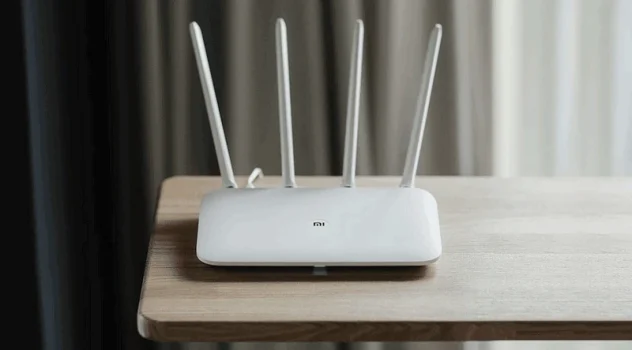
Choosing a Wi-Fi router seems simple until you encounter the technical details. The electronics online store https://1.kz offers dozens of models, each promising a stable signal and high speed. To avoid disappointment with your purchase, it’s best to know in advance what mistakes users typically make when selecting a device.
This is reported by Kyiv24
At the next stage, it’s important to focus on features that are useful for everyday use. If you want to order a Wi-Fi router with delivery, make sure to consider the needs of your network rather than just focusing on price and appearance. Below, we will discuss common mistakes that can affect the performance and stability of the network.
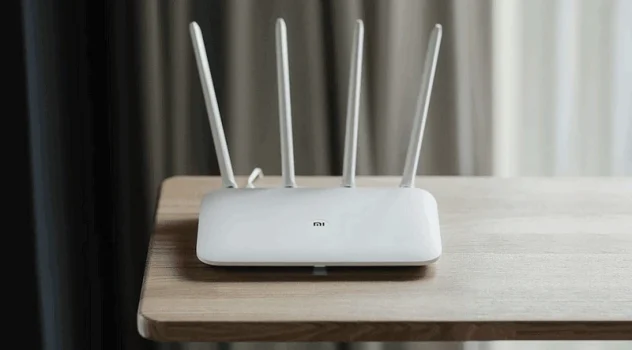
Ignoring the Wi-Fi Standard
One of the common mistakes is purchasing a router with an outdated standard. Devices that only operate in the 2.4 GHz range (Wi-Fi 4 / 802.11n) may struggle with streaming 4K video or online gaming without lag.
Modern models support Wi-Fi 5 (802.11ac) or Wi-Fi 6 (802.11ax). They offer data transfer speeds of up to 1200 Mbps and higher. Stable operation in a congested network is guaranteed.
Lack of Ports and Interfaces
Buyers often underestimate the importance of the number of LAN ports. If you have a desktop PC, console, TV, or NAS storage, the router will need at least 3–4 ports.
A USB port is also useful. You can connect a storage device, printer, or 4G modem to it. Make sure the model you choose has the necessary interfaces.
Neglecting Coverage Area
The Wi-Fi signal weakens due to walls, ceilings, and even furniture. For an apartment up to 50 m², a budget router with antenna power of 5 dBi will suffice.
However, if you have a private house, it’s worth looking for models with MIMO antennas and support for dual bands – 2.4 and 5 GHz. For very large spaces, it makes sense to purchase a MESH system.
Choosing a Router Without Considering the Number of Connected Devices
In 2025, a typical family may have up to 10–15 devices connected simultaneously: smartphones, tablets, TVs, laptops, and other smart devices.
Cheap routers start to “struggle” when the load exceeds 5–6 connections. In the specifications, look for the MU-MIMO feature – it allows data to be transmitted to multiple devices simultaneously without reducing speed.

Saving on Brand and Firmware
Budget equipment can save you money, but manufacturers also cut back on firmware updates, security, and user-friendliness.
Reliable brands like TP-Link, Mercusys, MikroTik, and Ubiquiti regularly release updates that ensure stable operation and protection against threats. They also offer easy setup through a mobile app or web interface.
Conclusions
To avoid disappointment, choose a router considering others’ mistakes: check technical specifications, Wi-Fi standards, the number of antennas, and ports.
Remember that a successful choice is not a race for maximum speed, but a balanced approach between specifications, tasks, and stability in real conditions. The right router will provide comfortable operation without lag for all network users.